Chapter Three: Colors and Background-Color
In this chapter we will discuss the color and background property. Colors in CSS allow you to change the text color to any color you want. It make your website more attractive instead of having a boring black text. Background changes the background to a different color or an image from your folder bin. These two properties will make your website more attractive to viewers.
Color property
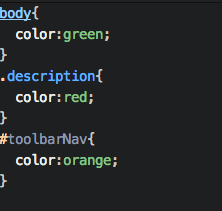
The color property is place inside the opening and closing curly brackets. It is then follow by a colon with a value. The value you assign will change the color of the element that you are targeting.
Colors you can pick
- Red
- Yellow
- Green
- Blue
- Black(default)
- White
- Purple
- Navy
- Orange
- Brown
- Grey
Background-color Property
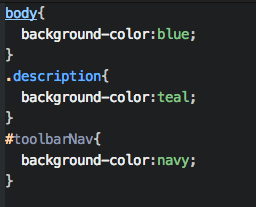
The background-color property changes the color of the background of that element. If you change the background-color for the body element, you change the whole web page background-color. If you change the p element background-color, you change the text background-color.
Colors you can pick
- Red
- Yellow
- Green
- Blue
- Black(default)
- White
- Purple
- Navy
- Orange
- Brown
- Grey
background-image property
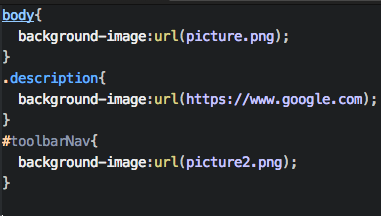
Background-image allows you to add an image from your folder to your website. This property will require you to be extremly careful because the image might make the text difficult to read. It is something that you should take in to consideration when adding an image as the background.